
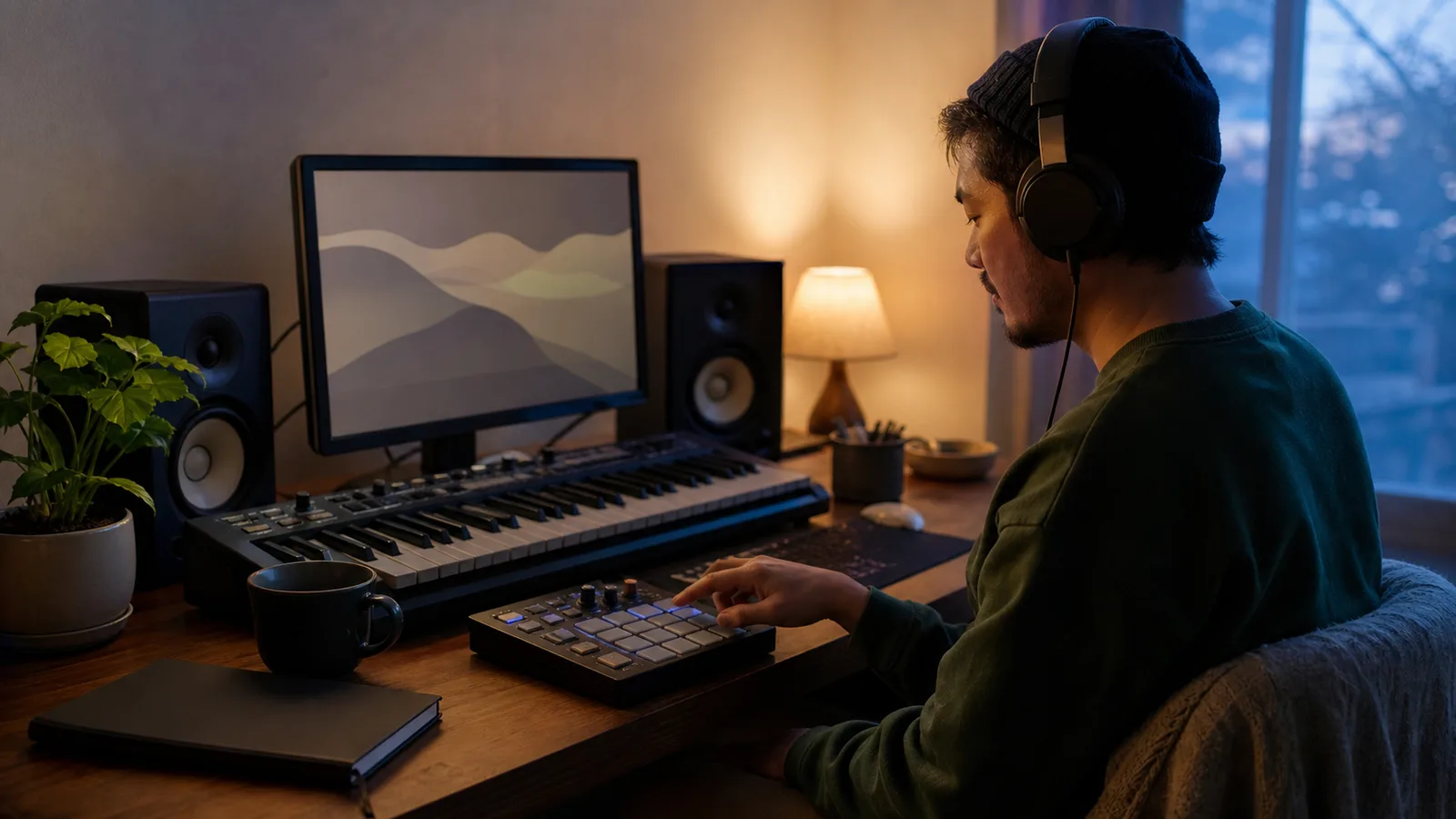
 AI-generated image
Practical AI music workflows
How to Make Lo-Fi Music with AI: A Focused Prompt Workflow
Create a focused lo-fi music brief from purpose, tempo, groove, harmony, instrument palette and texture, then revise one audible issue at a time.
A prompt that says only “lo-fi beat” often produces generic background music. Adding every familiar detail—vinyl noise, rain, jazz chords, tape wobble, soft drums and several melodies—can make the result crowded instead.
Build the brief in layers. Decide the track's job, set a relaxed pocket, choose one harmonic voice, add a small rhythm section and use texture as seasoning. Yamaha's production guide places much chillhop in roughly the 70–90 BPM range, but the number is a starting point to verify by listening, not a rule or a guaranteed generator setting.
1. Decide what the track needs to do
Name the listening situation before the genre. A steady study background should avoid sudden fills and bright leads; a late-night café cue can tolerate more melodic character; a reflective game room may need extra space for effects.
Write one useful constraint beside the purpose. Examples include “no abrupt transitions,” “melody stays secondary,” or “keep the low end light.” A constraint gives the next listening pass something concrete to check.
 AI-generated image
2. Write a compact lo-fi brief
- Purpose and mood: focused study, quiet reading, rainy café or another specific scene.
- Tempo and pocket: relaxed pace, light swing or slightly late snare; use an exact BPM only when it helps comparison.
- Harmonic voice: warm electric piano, muted guitar or soft acoustic piano with a repeating progression.
- Rhythm section: dry kick and snare, soft hats, rounded bass and limited fills.
- Texture and boundaries: subtle tape wear or room noise, instrumental, sparse arrangement, no abrupt lift or dominant lead.
3. Generate one instrumental draft
- 1
Open the Sonus text-to-song workspace
Choose instrumental direction so the listening test stays focused on groove, harmony and texture rather than lyrics.
- 2
Paste one compact brief
Keep one purpose, one main harmonic instrument, one rhythm section and one texture idea. Remove details you cannot identify by ear.
- 3
Generate a first draft
Treat the result as an interpretation of the brief. Do not add more adjectives before you know what is actually missing.
- 4
Listen in three passes
First follow the groove, then the main chords and melody, then the noise, brightness and low-end balance.
- 5
Revise one variable
Keep every successful instruction and change only the clearest problem before generating another draft.
4. Listen for pocket, clutter and texture
For the pocket, tap along for half a minute. If the beat feels rushed, ask for a slower or more laid-back pulse instead of adding more “chill” adjectives. If it drags, tighten the drum language before replacing the harmonic palette.
Texture should support the music, not prove that the track is lo-fi. If hiss or crackle masks the chords, reduce it. If the result sounds too polished, ask for one subtle imperfection—soft tape wear, gently muted highs or a slightly loose drum feel—rather than stacking every effect.
 AI-generated image
5. Fix common lo-fi prompt problems
- The result is generic: replace broad mood words with a listening scene, a main instrument and one rhythmic detail.
- The arrangement is busy: keep chords, drums, bass and one small melodic voice; remove competing leads.
- The beat feels stiff: request light swing or a relaxed pocket, then compare without changing the instruments.
- The mix feels muddy: simplify the bass instruction and reduce overlapping low or sustained layers.
- The texture is distracting: lower the amount of noise and describe it as subtle background character.
Run a two-version comparison
Mark where each section begins in the first output. In version two, change one contrast instruction, then record which boundary became clearer and what stayed the same.
- 1What stayed unchanged
- 2The one change
- 3What you heard
- 4Keep, revert, or test next
Common questions
What should a lo-fi music prompt include?
Include the listening purpose, relaxed tempo or pocket, main harmonic instrument, simple drums and bass, one texture detail, arrangement limits and an ending.
What BPM works for lo-fi music?
Many chillhop examples sit around 70–90 BPM, but lo-fi is broader than one range. Use tempo as a comparison target and judge the actual generated groove.
Does lo-fi music need vinyl crackle?
No. Tape wear, muted highs, room tone, loose timing or no added noise can all support a lo-fi character. Use only the texture the track needs.
How do I stop a lo-fi track from sounding too busy?
Keep one chord instrument, a restrained rhythm section, bass and at most one small foreground voice. Remove competing melodies before adding more production terms.
Continue with another guide
How to Turn Lyrics into a Song with AI: A Practical Workflow
A practical route from rough lyrics to a focused song draft, with prompt examples and a revision checklist.
How to Structure an AI Song: Verse, Chorus, Bridge and Contrast
Give each section a job, sketch the energy curve, and diagnose why a song feels repetitive or unfinished.
How to Create Ambient Music with AI: Texture, Space and Movement
A practical workflow for shaping ambient AI music without turning it into a static pad or a conventional verse-chorus song.