
 AI-generated image
Practical AI music workflows
How to Create Ambient Music with AI: Texture, Space and Movement
Build an ambient music brief from tonal bed, foreground texture, movement and boundaries, then revise the generated draft by listening.
Ambient music can sound empty when the prompt only asks for a “calm atmosphere.” It can also become too busy when every texture, instrument and emotion appears at once.
This workflow gives each layer a job: establish a tonal bed, add one foreground detail, describe slow movement and set boundaries. It focuses on soundscape construction rather than the timed stages used in our meditation-music prompt guide.
1. Define what the atmosphere must do
Decide where the track will sit and how much attention it can take. A reading background, a quiet game location and a tense cinematic bed may all use long tones, but they need different amounts of motion and contrast.
Write one sentence that joins purpose and sensation: “a spacious night interior that stays calm while a faint mechanical unease develops.” This gives the sound a direction without forcing a pop-song structure.
 AI-generated image
2. Build the prompt from four layers
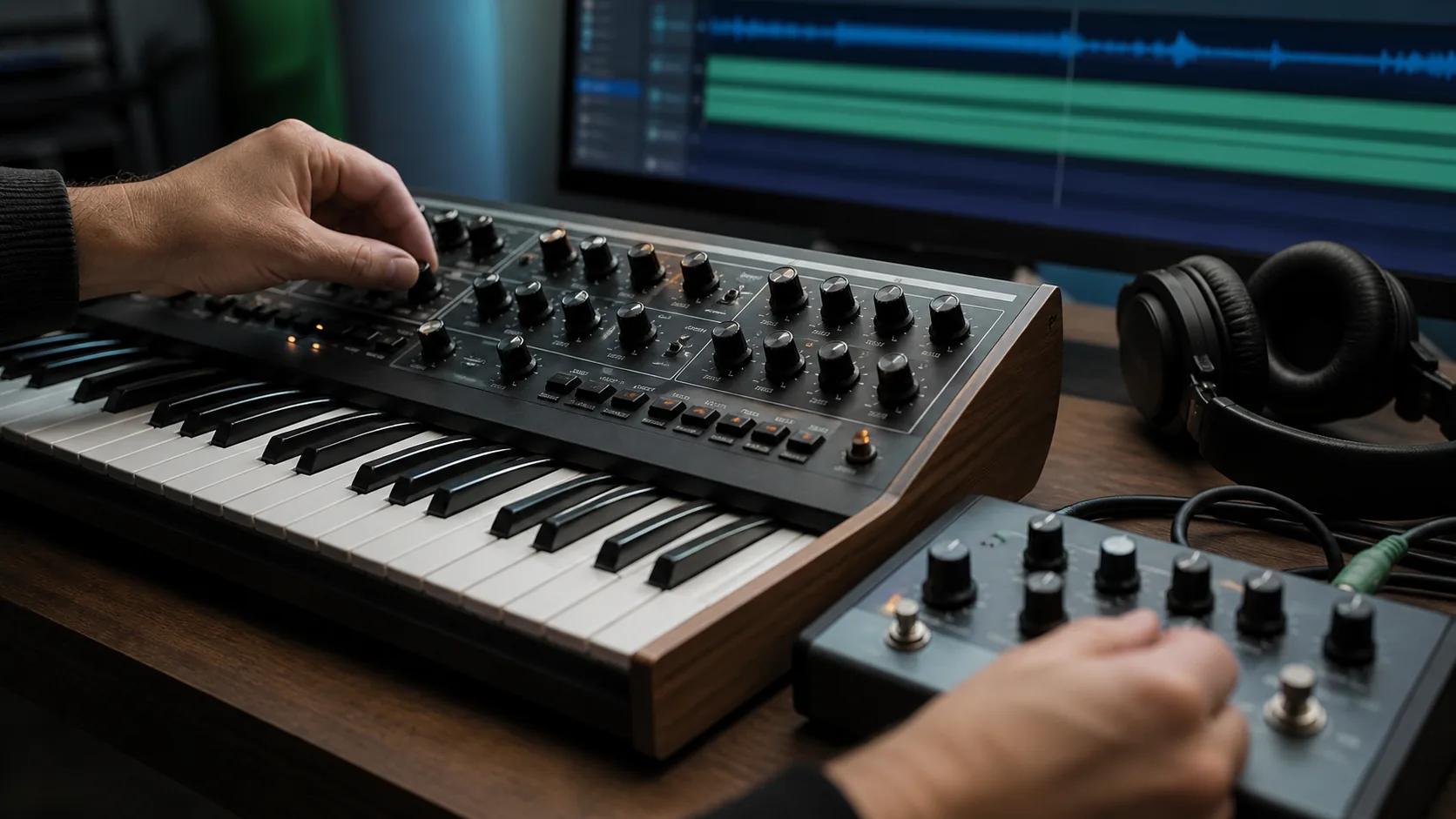
- Tonal bed: drone, pad, held piano resonance or another sustained foundation.
- Foreground detail: one audible texture such as soft plucks, bowed metal or distant field sound.
- Movement: slow filter change, gradual layer entrance, gentle harmonic drift or small dynamic swell.
- Boundaries: instrumental, sparse percussion, no sharp transitions, limited bright transients or another restriction you can hear.
3. Generate one focused draft
- 1
Open the Sonus text-to-song workspace
Choose instrumental direction and paste a brief that describes one atmosphere rather than several unrelated scenes.
- 2
Generate a first draft
Treat the first result as evidence of how the brief was interpreted, not as a finished track.
- 3
Listen once without taking notes
Notice where your attention is pulled naturally and whether the overall atmosphere stays coherent.
- 4
Listen again for layers
Mark the foundation, foreground detail, movement and any sound that interrupts the intended space.
- 5
Choose one revision
Change the largest issue while keeping the successful sound palette and emotional direction fixed.
4. Listen for motion, space and interruption
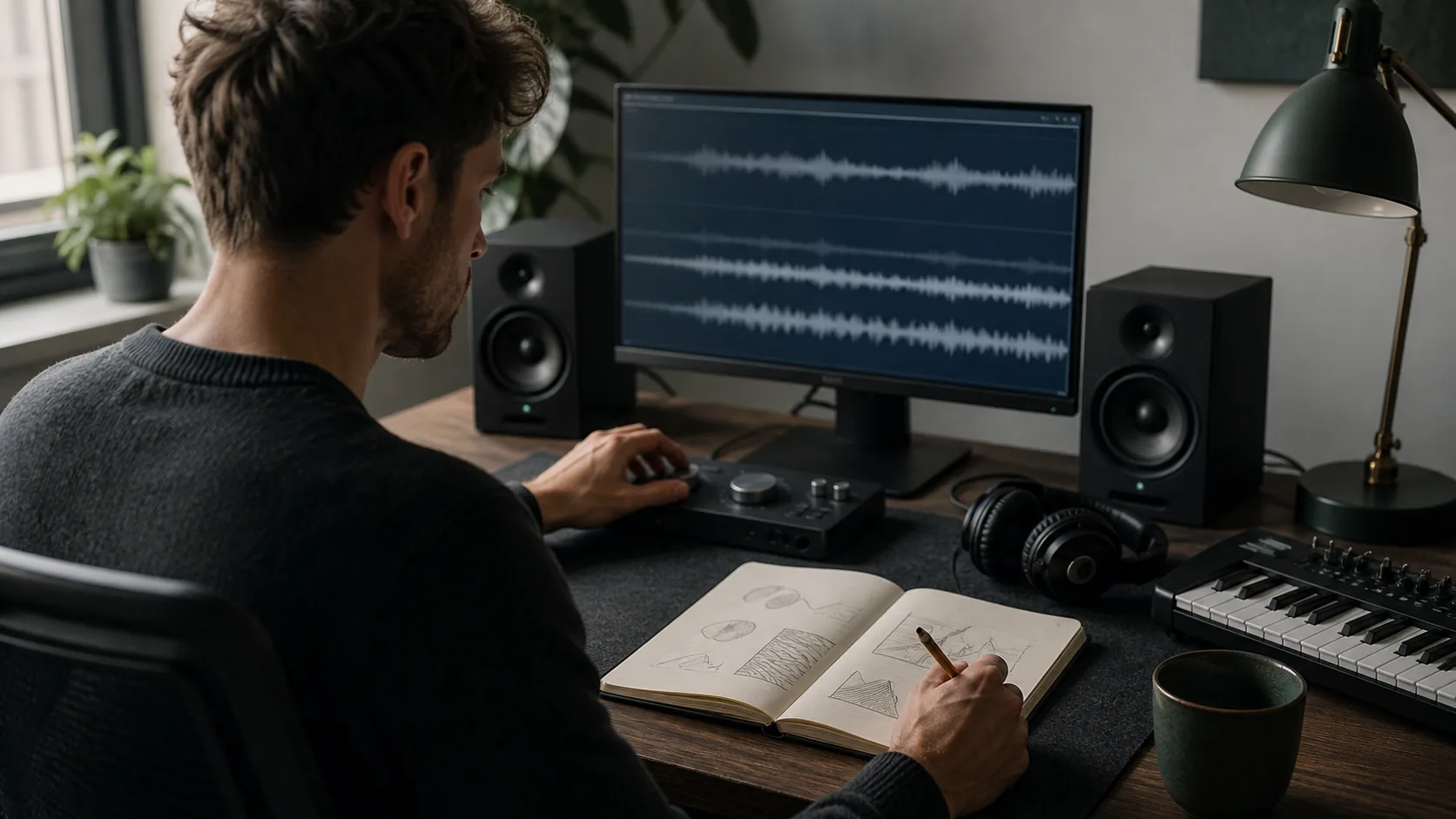
Ambient music needs change, but the change does not have to announce itself. Listen for a filter opening, a texture moving closer, a chord colour shifting or a layer quietly disappearing. If nothing changes, the draft may feel frozen; if every few seconds introduces a new event, it may stop functioning as atmosphere.
Use time markers while listening. Write notes such as “bright pluck enters too early” or “low drone masks the texture after the midpoint.” These are easier to translate into the next prompt than “make it more atmospheric.”
 AI-generated image
5. Fix common ambient-music problems
- It feels static: request one slow, continuous change rather than adding several new instruments.
- It becomes a conventional song: remove chorus, hook and lead-melody language; describe a sustained form instead.
- The sound is crowded: keep one foundation and one foreground texture, then reduce rhythmic density.
- The mood drifts: remove competing adjectives and restate one emotional tension.
- The ending breaks the space: ask for a long tail or held atmosphere, then check and edit the actual file if needed.
Run a two-version comparison
Mark where each section begins in the first output. In version two, change one contrast instruction, then record which boundary became clearer and what stayed the same.
- 1What stayed unchanged
- 2The one change
- 3What you heard
- 4Keep, revert, or test next
Common questions
Does ambient music need a beat?
No. It can use no pulse, a barely perceptible pulse or sparse percussion. Choose the amount of rhythm according to the track’s role.
How long should an ambient prompt be?
Long enough to define foundation, foreground detail, movement and boundaries. Remove adjectives that do not change what you will listen for.
Can I ask for an exact key or duration?
You can include musical targets, but treat them as instructions to verify in the generated audio rather than guaranteed output.
Continue with another guide
How to Turn Lyrics into a Song with AI: A Practical Workflow
A practical route from rough lyrics to a focused song draft, with prompt examples and a revision checklist.
How to Structure an AI Song: Verse, Chorus, Bridge and Contrast
Give each section a job, sketch the energy curve, and diagnose why a song feels repetitive or unfinished.
How to Make Lo-Fi Music with AI: A Focused Prompt Workflow
A practical AI lo-fi workflow that keeps the beat relaxed, the arrangement sparse and the texture intentional.