
 AI-generated image
Practical AI music workflows
How to Turn Lyrics into a Song with AI: A Practical Workflow
Learn how to prepare lyrics, define a musical direction, generate a song with AI, and revise the result one clear issue at a time.
A written lyric can still produce an awkward song draft. Long lines get rushed, the chorus may not lift, or a vague style description can pull the arrangement away from the words.
Use four passes instead of changing everything at once: clean up the lyric, write a short music brief, listen for specific problems, then revise one variable. You can start with a complete lyric or just one verse and a chorus.
1. Prepare the lyrics before generating
Read the lyric aloud. Lines that feel crowded when spoken usually feel crowded when sung. Shorten them before changing the music prompt.
Label the sections so the intended structure is visible. A simple order such as Verse, Chorus, Verse, Chorus, Bridge, Chorus gives the generator a clearer map than one uninterrupted block.
- Keep one point of view and tense unless the change is deliberate.
- Give the chorus one phrase worth returning to.
- Remove stage directions that could be mistaken for lyrics.
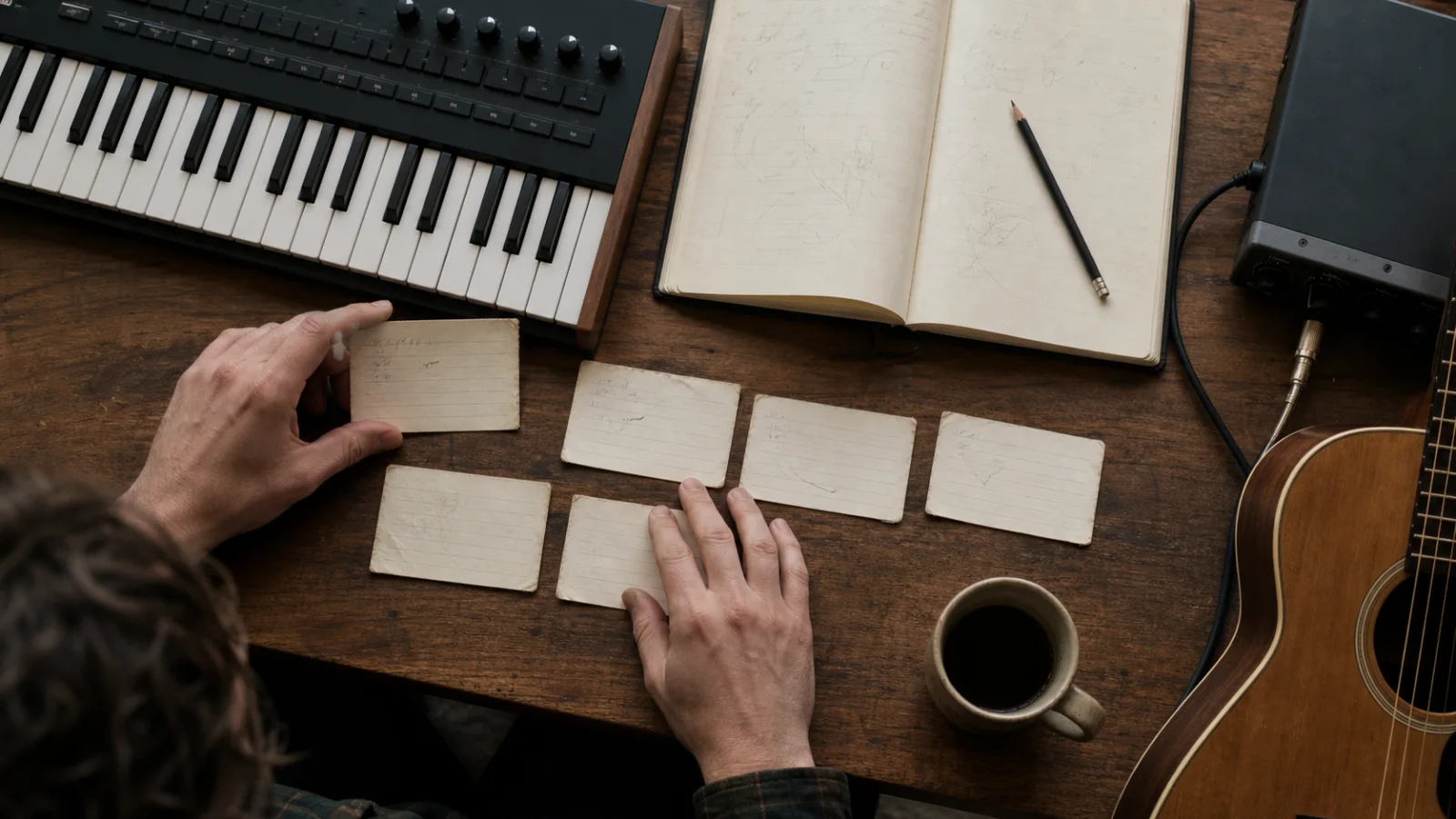 AI-generated image
2. Write the musical direction separately
Treat the lyric and the production brief as two different inputs. The lyric says what the song communicates; the brief says how it should feel and move.
A useful brief names a genre family, emotional tone, pace, a few important instruments, and the vocal approach. Too many conflicting adjectives make it harder to hear which choice affected the result.
3. Generate, then listen with a short checklist
- 1
Make a first version
Open the Sonus text-to-song workspace, add the prepared lyric and music brief, then generate once. Treat this as a draft, not a final answer.
- 2
Check the lyric fit
Notice rushed syllables, awkward pauses, missing words, and lines that land naturally.
- 3
Check the section contrast
The chorus should feel distinct from the verse even if the arrangement stays restrained.
- 4
Check the emotional match
Ask whether the vocal tone, pace, and instrumentation support the meaning of the words.
- 5
Choose one problem
Write down the single change that would improve the draft most.
4. Revise one variable at a time
Changing genre, tempo, voice, structure, and lyrics together hides the cause of improvement. Keep the parts that work and change one clear variable in the next attempt.
If the chorus feels small, ask for a stronger contrast or wider arrangement before rewriting every line. If the phrasing is rushed, shorten the lyric first. This produces useful comparisons instead of unrelated versions.
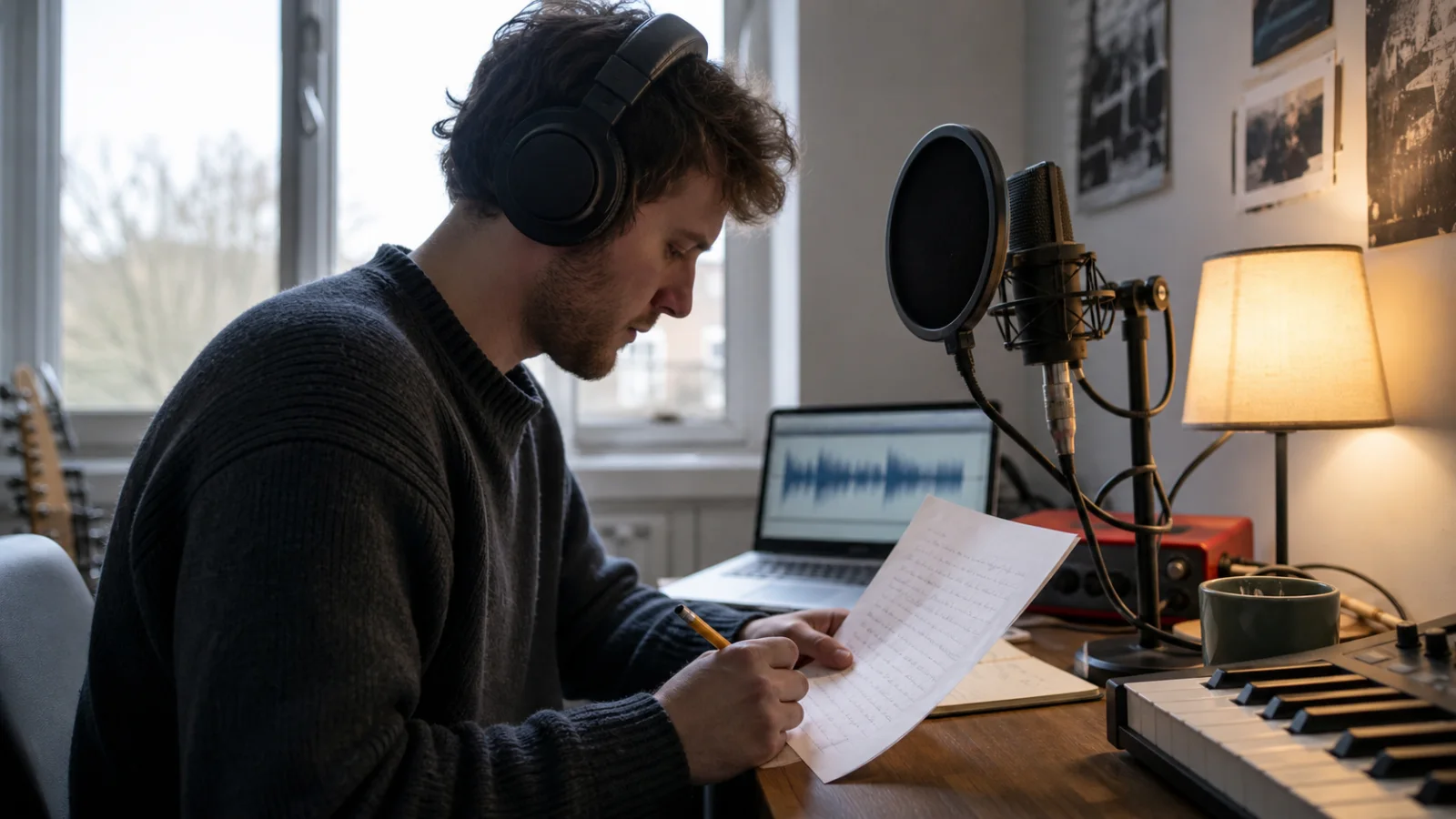 AI-generated image
5. Fix common lyrics-to-song problems
- Words are rushed: shorten long lines or reduce dense internal rhymes.
- The chorus is hard to remember: simplify its central phrase and repeat it with purpose.
- The mood is wrong: remove conflicting style words and describe one emotional target.
- Every section sounds alike: request a specific contrast in energy, register, or instrumentation.
- Versions drift too far apart: keep the successful details unchanged in the next brief.
Run a two-version comparison
Save the first output. For version two, change either one lyric line or one production instruction—not both. Record whether the phrasing, chorus contrast, or emotional fit changed.
- 1What stayed unchanged
- 2The one change
- 3What you heard
- 4Keep, revert, or test next
Common questions
Do the lyrics need to be finished first?
No. A verse and chorus are enough for a useful test. A short draft can reveal phrasing and structural problems before you spend time completing every section.
How detailed should the music prompt be?
Use enough detail to establish genre, mood, pace, instrumentation, and vocal direction. Remove details that conflict or do not change the listening decision.
What should I change after the first generation?
Choose the largest audible problem and change one variable. That may be a crowded lyric line, weak chorus contrast, unsuitable pace, or the wrong vocal tone.