
8 AI Game Music Prompts for Menus, Levels and Battles
Write clearer AI game music prompts for menus, exploration, puzzles, combat and other playable scenes, then test each draft inside the game.
A game music prompt should describe what the player is doing, not just name a mood. “Epic fantasy” leaves the generator to guess whether the track belongs under a menu, an open field or a boss encounter.
The prompts below start with the playable moment, then define energy, sound palette, rhythmic density and section movement. They are working briefs, not promises that every generated file will loop cleanly or follow every instruction.
Start with the player moment
Write one sentence about the scene before choosing instruments. The same forest can need quiet navigation music, a tense pursuit cue or a short discovery moment. The player's task tells you which details belong in the music brief.
- Scene: menu, exploration, puzzle, stealth, battle or result screen.
- Player state: curious, safe, uncertain, pressured or relieved.
- Energy path: stable, slowly rising, pulsing or sharply resolving.
- Mix space: leave room for dialogue, interface sounds and important effects.
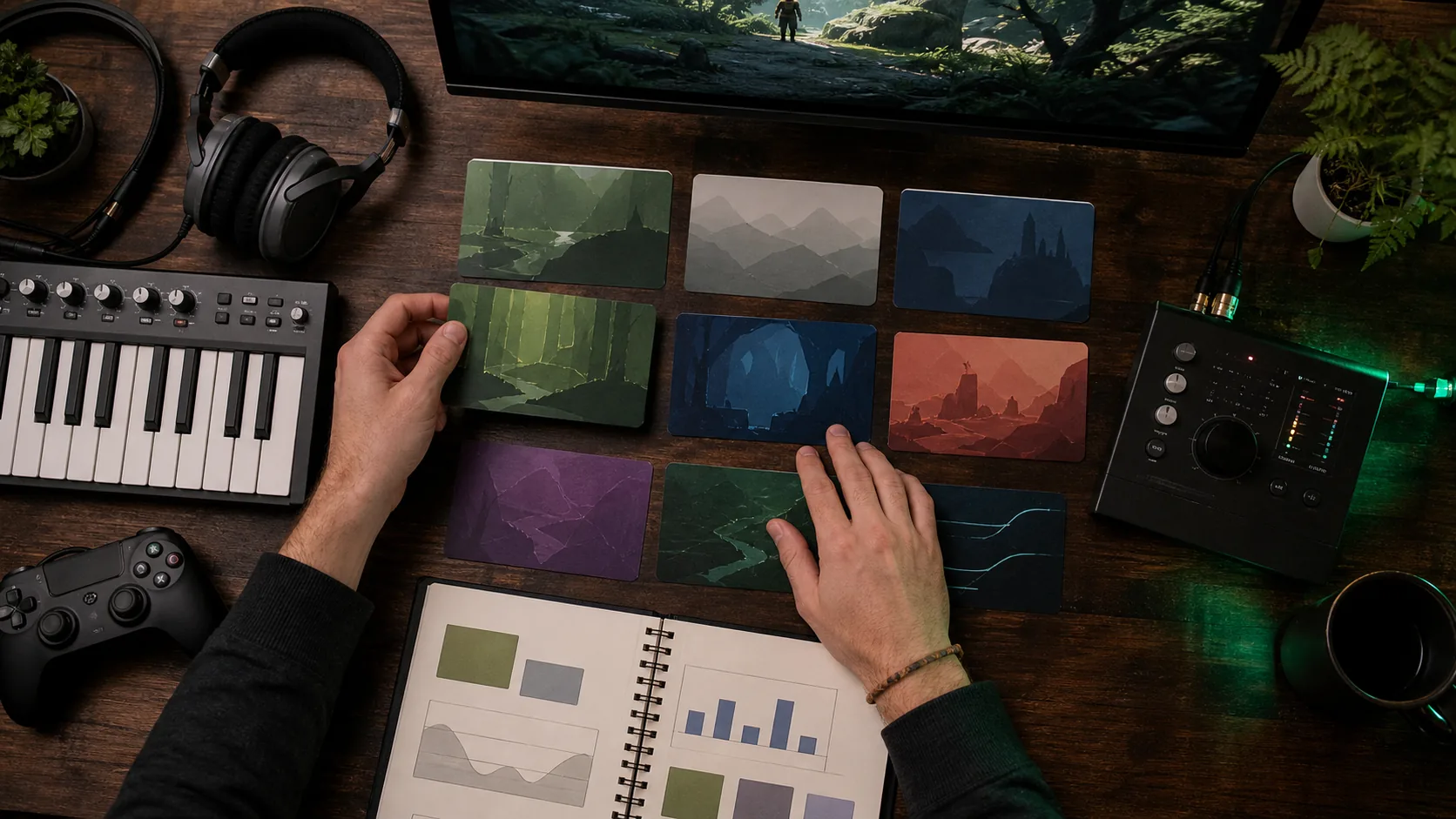
Use a game music prompt formula
A useful prompt moves from function to sound. Name the game moment, emotional job, pace, instruments, density, movement and ending. Remove any detail you cannot check by listening.
Eight prompts to adapt by scene
Main menu
1. Main-menu music for a mysterious exploration game, calm mid-slow pace, warm synth pad and a small piano motif, sparse percussion, steady energy, instrumental, leave room for interface sounds, finish on a quiet sustained texture.
Peaceful exploration
2. Open-world exploration music for a safe valley at dawn, unhurried pace, soft strings, wooden flute and light hand percussion, low rhythmic density, gradual color changes without a large climax, instrumental, gentle ending.
Puzzle room
3. Puzzle-room background music for focused problem solving, moderate pulse, muted marimba, soft plucks and rounded bass, repeating motif with small variations, no dramatic drops, instrumental, keep the middle range clear for game sounds.
Stealth section
4. Stealth music for moving through a guarded facility, restrained tempo, low electronic pulse, dry clicks and distant metallic texture, tension rises in small steps, no heroic melody, instrumental, end without a loud impact.
Regular combat
5. Combat music for a fast arena encounter, driving tempo, tight drums, distorted bass and short brass accents, consistent forward motion with brief breathing spaces, instrumental, keep the main rhythm clear rather than overly dense.
Boss phase
6. Boss-battle music for a second phase that feels more dangerous, fast pace, heavy drums, low strings and an abrasive synth motif, escalating layers and a short breakdown before the final return, instrumental, decisive ending.
Cozy building scene
7. Cozy building-game music for arranging a small workshop, relaxed pace, acoustic guitar, brushed percussion and soft clarinet, light repeating groove, friendly and unobtrusive, instrumental, simple rounded ending.
Victory screen
8. Short victory-screen cue after a difficult level, bright mid-tempo lift, compact brass, handclaps and rising strings, quick statement followed by a clear resolution, instrumental, avoid a long introduction.
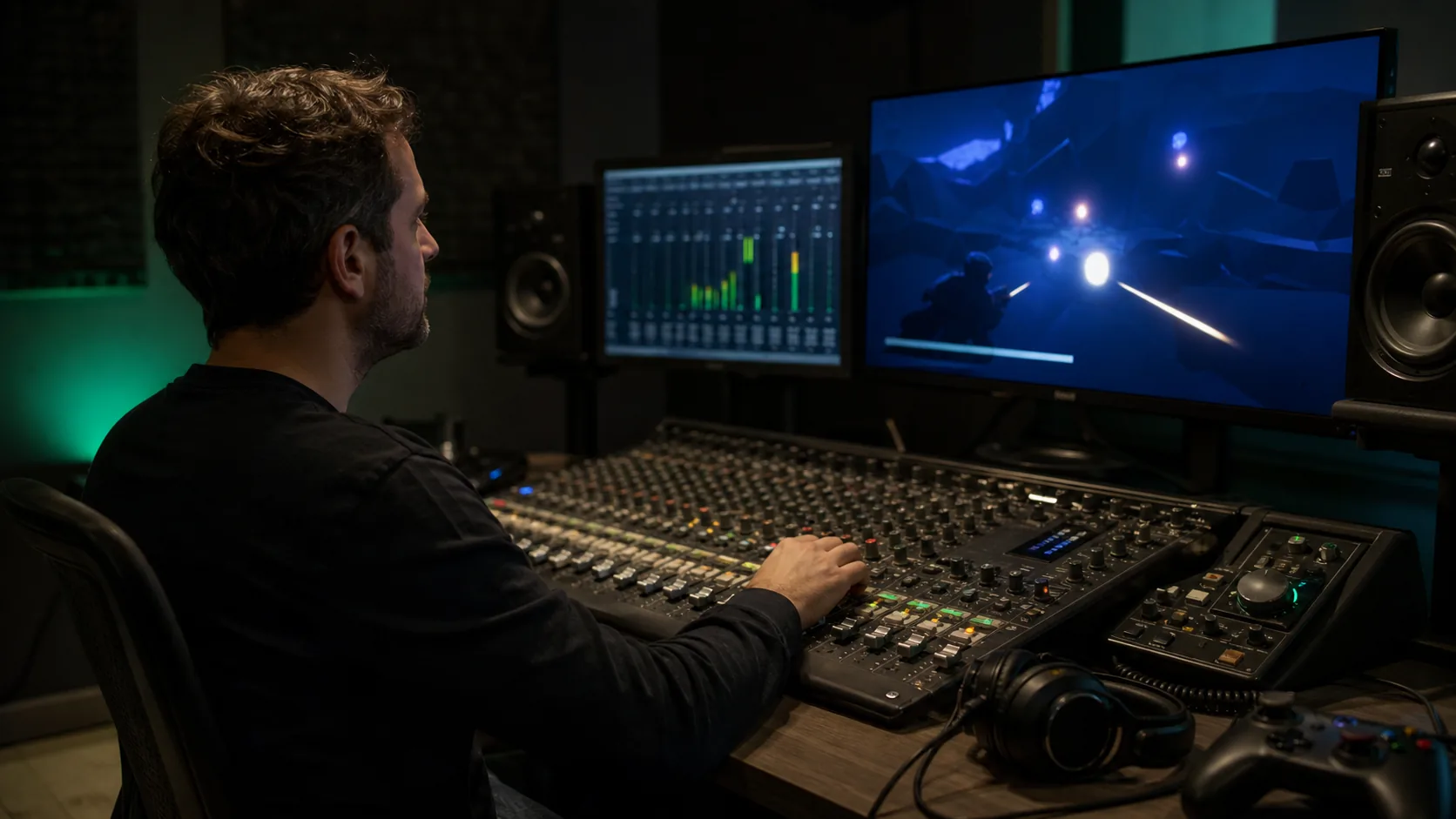
Test the draft inside gameplay
- 01
Play it under the real scene
A track that works alone can feel crowded beside dialogue, footsteps or interface sounds. Test it at the level where players will actually hear it.
- 02
Watch one complete gameplay cycle
Listen through calm and busy moments. Mark where the music arrives too early, loses energy or calls attention away from the player's task.
- 03
Check the handoff or loop separately
Do not assume a generated ending will repeat seamlessly. Audition the join and edit the file in an audio tool when a clean loop is required.
- 04
Write one audible note
Use a concrete note such as “percussion masks footsteps” or “the exploration cue peaks too soon,” not a broad verdict like “make it better.”
Revise the largest mismatch first
Keep the scene, pace and successful instruments fixed, then change the largest mismatch. Reduce rhythmic density if effects disappear; flatten the energy curve if a long exploration cue becomes tiring; shorten the opening if a result screen needs an immediate response. Generate a new draft only after the next listening question is clear.
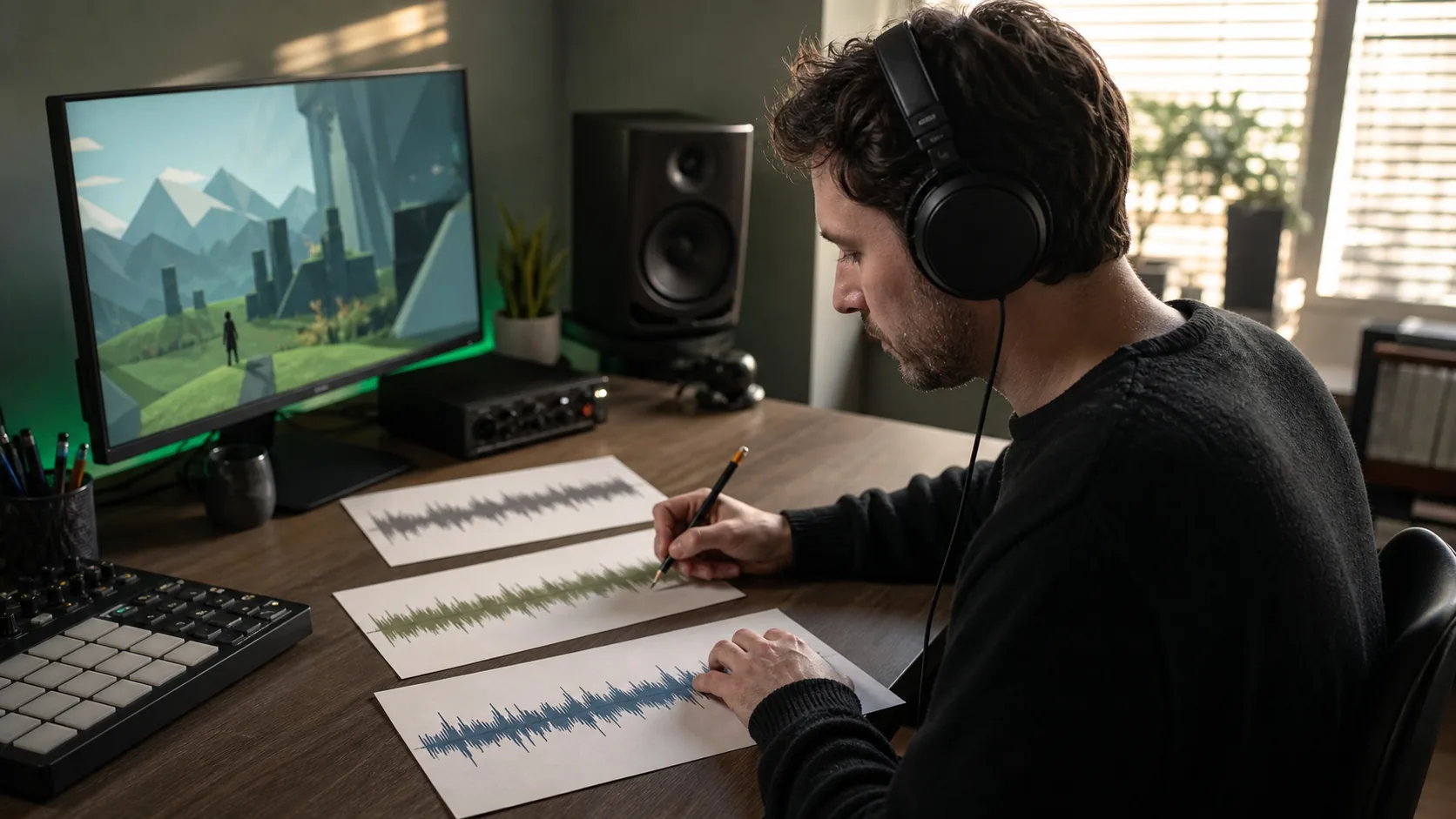
How this guide was prepared
These eight prompts are original editorial templates built from observable scene, arrangement and mix decisions. They were not copied from a game score and are not benchmark results. The external sources below were used to verify that current text-to-music prompting guidance supports concrete controls such as tempo, instrumentation and section descriptions. Judge every output in your own game context.
Frequently asked questions
What should an AI game music prompt include?
Include the game moment, player emotion, pace, a small instrument palette, rhythmic density, energy movement, mix space and the type of ending you need.
Can a prompt guarantee a seamless game-music loop?
No. Ask for stable movement and a clean tail, but audition the join yourself. A production-ready loop may still need trimming, crossfading or other editing in an audio tool.
Should game background music use vocals?
It depends on the scene. Instrumental direction is often easier to place beneath dialogue and effects, while a vocal may be an intentional focus in a cutscene or special sequence.
How many prompt details should change between drafts?
Change one main variable when you want a useful comparison. Keep the successful scene, pace and palette instructions unchanged until you know what caused the improvement.
Related guides
How to Make AI Music from a Text Prompt
A practical walkthrough for describing the style, mood, instruments, tempo, and structure you want before generating music.
Prompts30 AI Instrumental Music Prompt Examples by Use Case
A broad prompt library for creating music without vocals, with a reusable formula for controlling mood, instruments, pace, and arrangement.
WorkflowsHow to Write AI Music Prompts Without Vocals
A focused workflow for getting instrumental results without conflicting lyric or singer instructions.
Try these AI music tools
Start creating