
How to Make AI Music from a Text Prompt
Learn how to turn a text prompt into AI music with a clear workflow, practical prompt structure, and reusable examples.
To make AI music from text, describe the sound you want in concrete musical terms, generate a first version, then refine one variable at a time. A useful prompt usually combines genre, mood, instruments, tempo, vocal direction, and song structure.
1. Start with a clear musical idea
Before opening the generator, decide what the music is for and how it should feel. A focused idea produces more predictable results than a long list of unrelated adjectives.
- Purpose: background music, a complete song, a short intro, or an instrumental.
- Mood: uplifting, cinematic, nostalgic, calm, tense, or playful.
- Sound: acoustic, electronic, orchestral, lo-fi, pop, rock, or another clear direction.
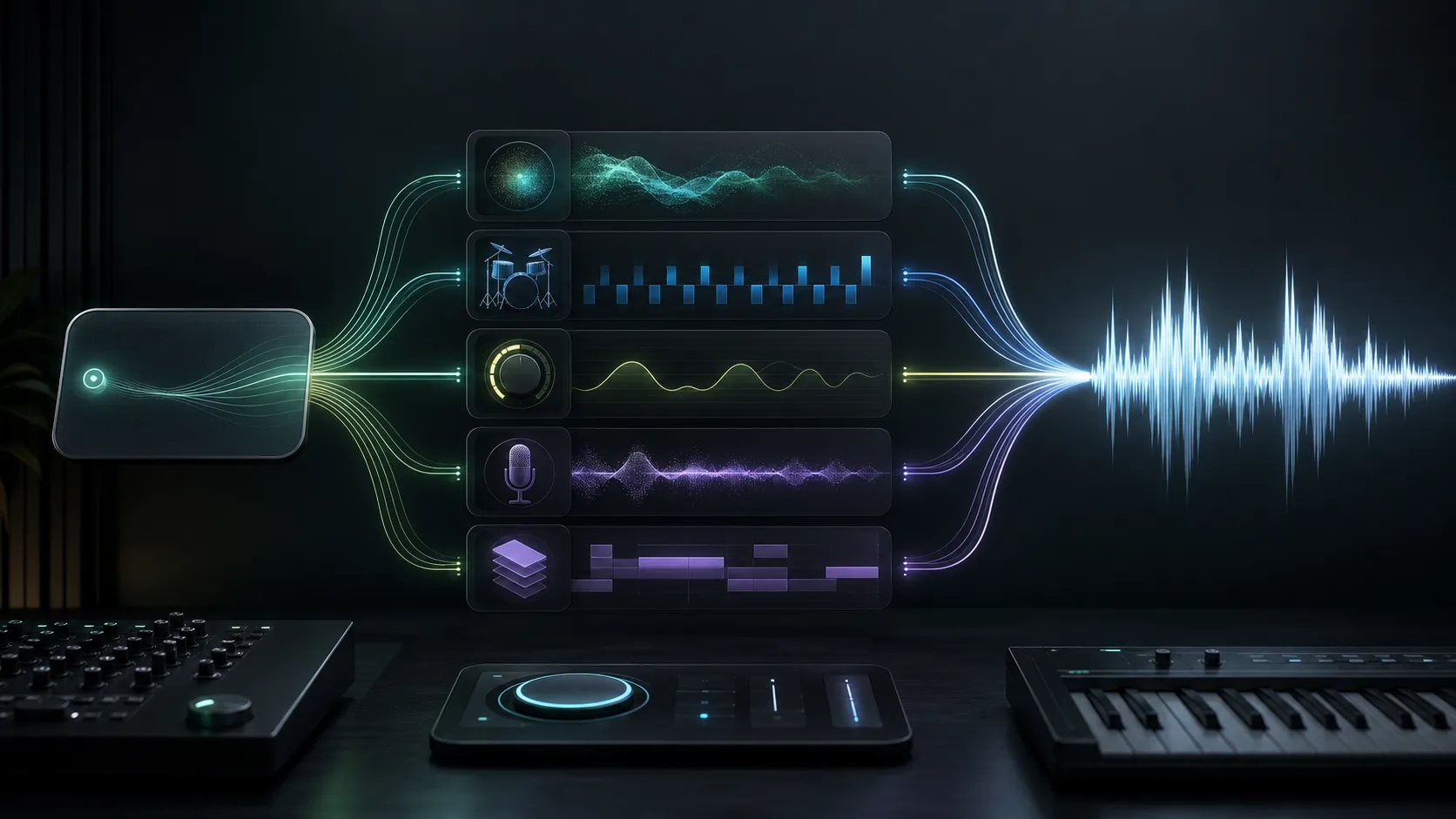
Turn an idea into controllable musical variables
A prompt becomes easier to revise when each phrase has a job. Use genre and instruments to define the palette, mood and tempo to set the energy, vocal direction to establish the performance, and structure to describe how the track should develop.
2. Build the prompt from musical details
Example prompt
Warm cinematic pop with intimate piano, soft strings, a steady mid-tempo beat, and an uplifting chorus. Start minimal, build gradually, and end with a gentle instrumental outro.
From a vague request to a useful prompt
Three text-to-music prompts for common starting points
Copy and adapt
1. Calm focus background, minimal ambient electronic, warm pads and soft piano fragments, no lead vocal, slow harmonic movement, even energy, and a gentle fade. 2. Upbeat product introduction, clean indie electronic, bright synth plucks, rounded bass and tight percussion, 108 BPM, short opening motif, two controlled lifts, and a clear ending. 3. Reflective cinematic song, intimate piano and low strings, restrained verse vocal, mid-tempo pulse, gradual build into a wider final chorus, then a short instrumental outro.
3. Generate, listen, and refine
- 01
Enter the core description
Paste the prompt into the Sonus text-to-song workspace and choose any available generation settings that match your goal.
- 02
Listen for the main mismatch
Decide whether the genre, energy, instrumentation, vocal direction, or arrangement needs the most attention.
- 03
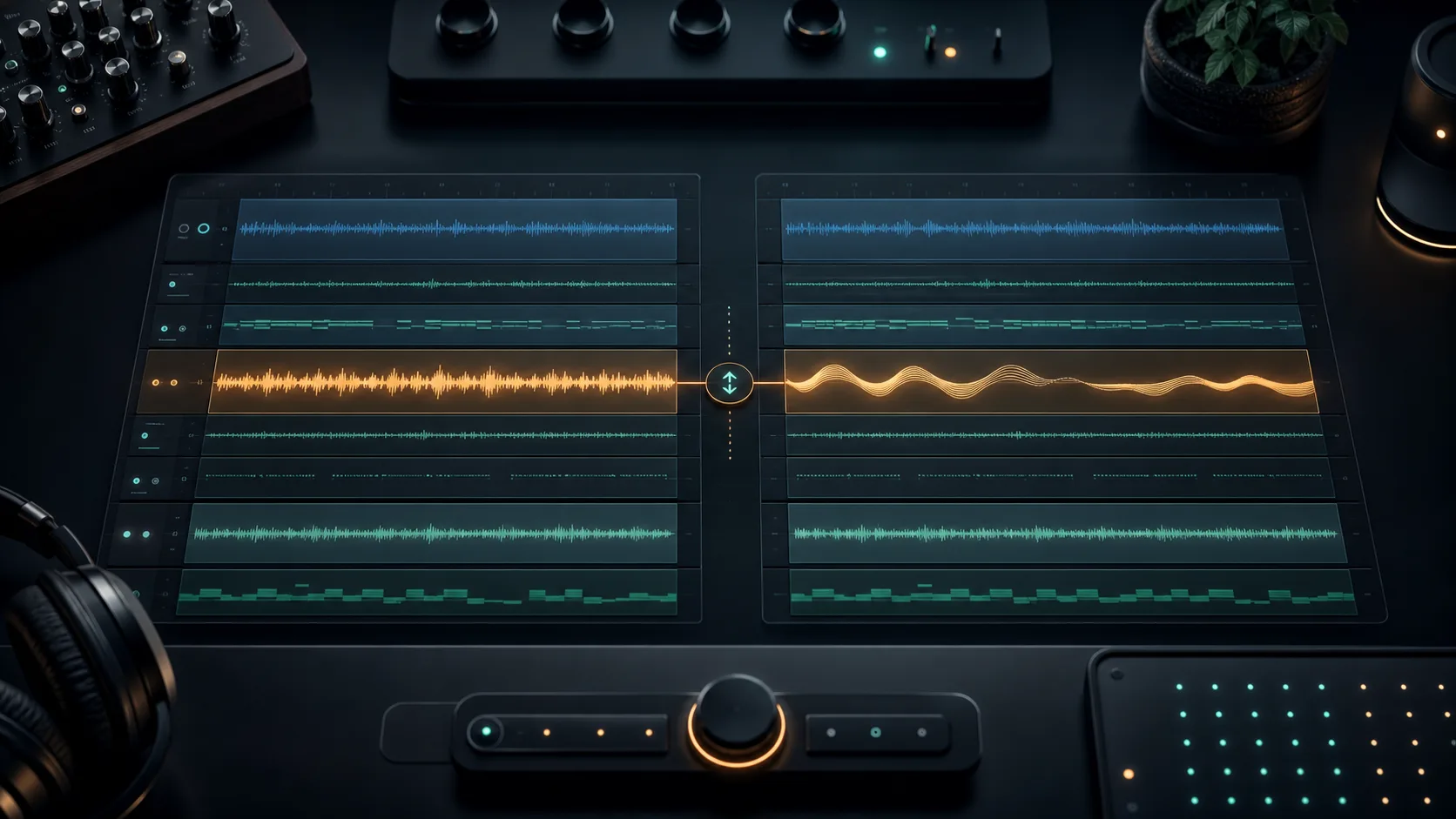
Revise one variable
Make a focused change, generate again, and compare the new result with the previous version.
Common text-to-music prompt mistakes
- Using only vague words such as “good,” “epic,” or “beautiful.”
- Combining too many conflicting genres and moods in one prompt.
- Changing every prompt element at once, which makes comparison difficult.
- Treating the first generation as final instead of refining it.
Frequently asked questions
How detailed should an AI music prompt be?
Include enough detail to define the genre, mood, core instruments, energy, and structure. Start focused, then add detail only when it helps correct a specific result.
Can I turn lyrics into music instead of using a description?
Yes. Use the lyrics workflow when words and vocal phrasing are central to the result, and use a descriptive text prompt when the musical direction is the main priority.
Why does the generated music differ from my prompt?
AI generation interprets rather than executes prompts literally. Refine the strongest mismatch one variable at a time and compare versions.
Related guides
30 AI Instrumental Music Prompt Examples by Use Case
A broad prompt library for creating music without vocals, with a reusable formula for controlling mood, instruments, pace, and arrangement.
WorkflowsHow to Write AI Music Prompts Without Vocals
A focused workflow for getting instrumental results without conflicting lyric or singer instructions.
Prompts20 Background Music Prompt Examples for Videos
Video-focused prompts designed around narration space, edit points, pacing, and a clear arrangement arc.
Try these AI music tools
Start creating